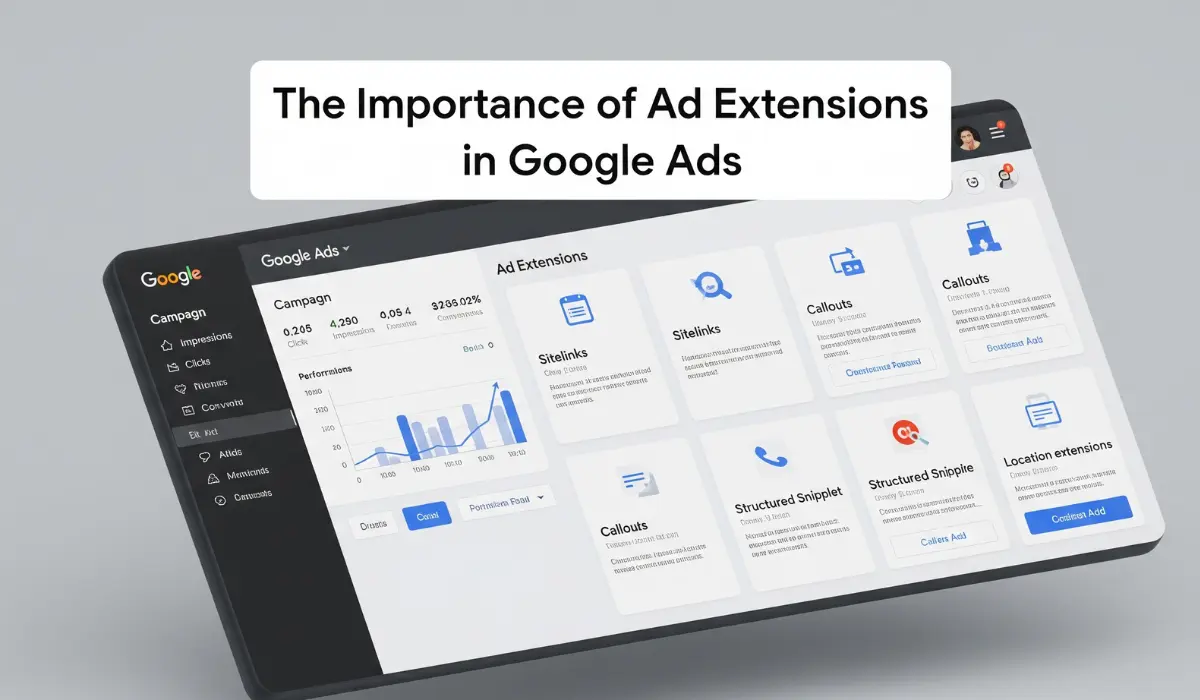
Are Your Ads Getting Lost in the Crowd?
You’ve spent time and money crafting the perfect campaign, but your ads are barely making a ripple in the vast ocean of search results. Your click-through rates are flat, and you’re struggling to stand out from the competition. If this sounds familiar, you might be missing one of the most powerful, yet underutilized, features within Google Ads: ad extensions. It’s time to stop letting your ads be average and start transforming them into large, compelling, and click-worthy listings that demand attention and drive real business results.
Supercharge Your Ads and Claim More Digital Real Estate
Imagine your standard text ad suddenly expanding, taking up more space on the screen with valuable, clickable information. That’s exactly what ad extensions do. They are additional snippets of information—like your phone number, location, special offers, or extra links to your site—that bolt onto your main ad, making it significantly larger and more informative. A standard ad whispers; an ad with extensions shouts. This increased size and context is a game-changer in Google Ads. It not only makes your ad more visible but also provides users with immediate answers and shortcuts, dramatically increasing the likelihood that they will click on your ad instead of a competitor’s.
Drive Higher Clicks and a Better Quality Score
The benefits of using ad extensions go far beyond just looking bigger. A well-optimized Google Ads campaign using extensions sees a significant boost in its click-through rate (CTR)—sometimes by as much as 20%. Why? Because you are giving users exactly what they want, right in the search results.
Sitelink extensions can direct them to your “Sale” or “Contact Us” page instantly.
Call extensions on mobile allow a customer to call you with a single tap.
Location extensions can bring local customers right to your front door.
Review extensions build immediate trust and credibility.
This enhanced user experience sends a powerful signal to Google that your ad is highly relevant and helpful. As a reward, your Quality Score improves. A higher Quality Score in Google Ads is the ultimate prize: it means better ad rankings and, most importantly, a lower cost-per-click (CPC), allowing you to get more out of every rupee you spend.
Imagine Lower Costs and Higher Conversion Rates
Google Ads account where your costs are decreasing while your conversions are climbing. This is the reality that a smart ad extension strategy can create. By tailoring your extensions to specific campaigns or ad groups, you deliver a highly customized and relevant experience. An e-commerce store can use promotion extensions to highlight a “20% Off” sale, while a local plumber can use call extensions to capture emergency leads. This level of customization ensures that you are not just getting more clicks, but you are getting more qualified clicks from users who are ready to take action. You are effectively pre-qualifying your traffic, which leads to higher conversion rates and a much stronger return on your investment (ROI) from your entire Google Ads budget.
Your Action Plan to Implement Ad Extensions Today
Ready to stop blending in and start standing out? It’s time to leverage the full power of Google Ads by implementing ad extensions. Don’t worry, it’s simpler than you think. Follow these steps to get started:
Audit Your Current Campaigns: Log into your Google Ads account and review your active campaigns. Navigate to the “Ads & assets” section and then to “Assets” to see if you are using extensions.
Start with the “Big Four”: At a minimum, every campaign should have Sitelink, Callout, and Structured Snippet extensions. If you have a physical location, add a Location extension. Google often automates these, but you gain more control by creating them yourself.
Align Extensions with Campaign Goals: For a lead generation campaign, prioritize Call and Lead Form extensions. For an e-commerce campaign, focus on Sitelink, Price, and Promotion extensions.
Customize at the Ad Group Level: For maximum relevance, add extensions at the ad group level. If you have an ad group for “running shoes,” your sitelinks should point to men’s, women’s, and trail running shoes—not your homepage.
Review and Optimize: Regularly check the performance of your ad extensions. Remove the ones that aren’t performing well and test new variations to continuously improve your results.
By making ad extensions a standard part of your Google Ads strategy, you’ll be well on your way to achieving higher visibility, better engagement, and a more profitable campaign.
Frequently Asked Questions (FAQs)
Are Google Ads extensions free to use? Yes, there is no extra cost to add extensions to your campaign. You are still charged on a cost-per-click (CPC) basis as usual. A click on an extension is charged the same as a click on the main headline of your ad.
Which ad extensions are the most important for a local business? For a local business, the most crucial extensions are Location Extensions (to show your address and map pin), Call Extensions (to encourage phone calls), and Sitelink Extensions to direct users to pages like “Our Services” or “Book an Appointment.”
Will Google always show my ad extensions? Not necessarily. Google Ads will show your extensions when it determines that doing so will improve your campaign’s performance and when your ad’s rank is high enough. This is another reason why improving your Quality Score is so important.
What’s the difference between manual and automated extensions? Manual extensions are the ones you create and control yourself within your Google Ads account. Automated extensions are created by Google when it predicts they will improve your ad’s performance, pulling information directly from your website. It’s always best to set up manual extensions for greater control.
How many ad extensions should I use per campaign? You should enable all the ad extension types that are relevant to your business goals. Google’s algorithm will then automatically select the best-performing combination of extensions to show for each individual auction.
Can I see performance data for my ad extensions? Yes. In your Google Ads account, you can navigate to the “Assets” (extensions) tab to see performance metrics like clicks, impressions, and CTR for each of your active extensions.
What is a Callout Extension? A Callout Extension allows you to add short, specific snippets of text to highlight key features or offers, such as “Free Shipping,” “24/7 Customer Support,” or “Eco-Friendly Products.” They are not clickable but add valuable information to your ad.
How do ad extensions impact my Quality Score? Ad extensions positively impact your Quality Score by increasing your ad’s expected click-through rate (CTR). Because they make your ad more prominent and useful, users are more likely to click it, which signals to Google that your ad is a high-quality, relevant result.